
DIY / Walls & Ceiling
Yellowed Light Switches: The Safe Way to Clean Them
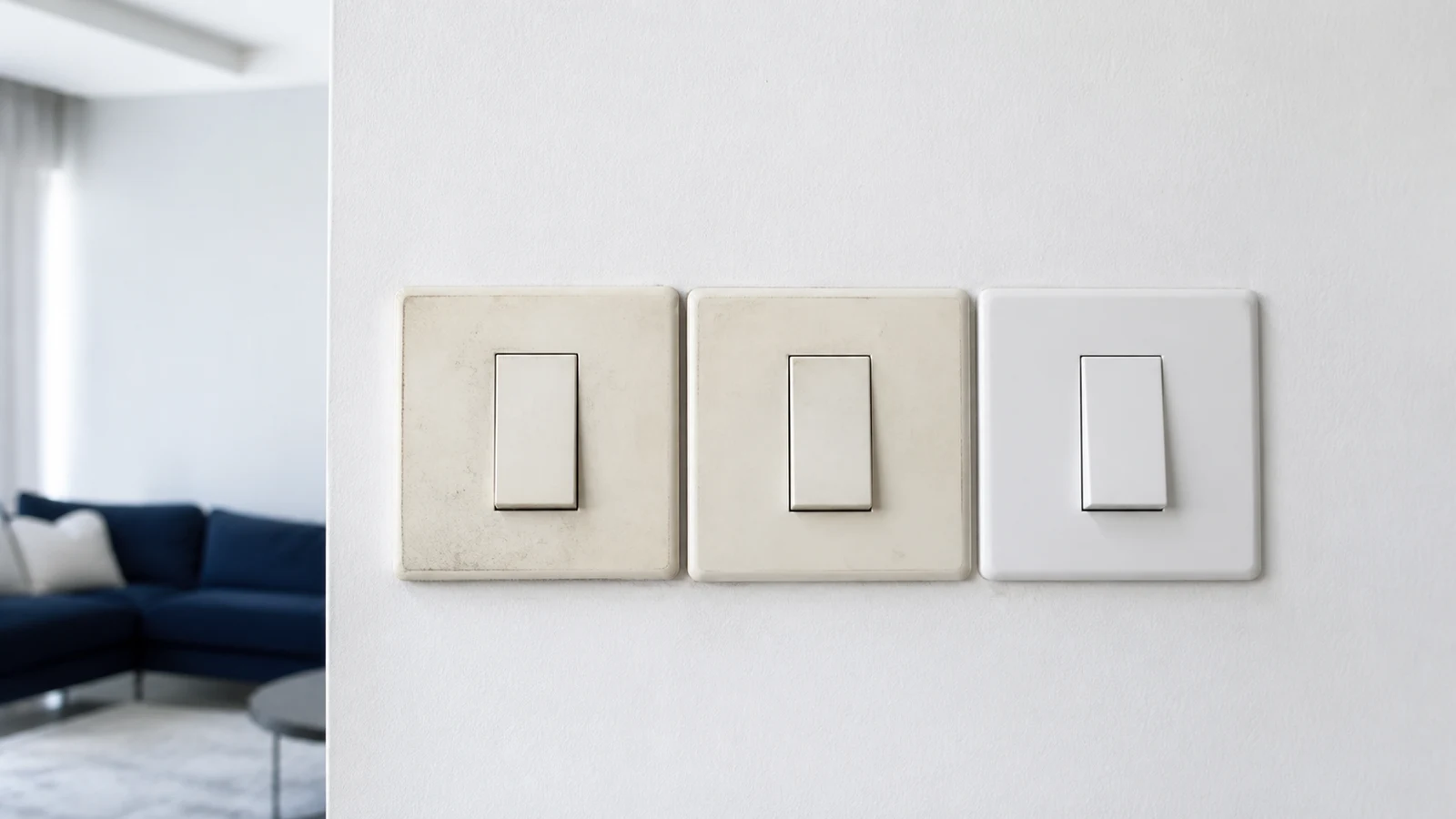
Surface dirt may wipe away, but aged plastic can remain yellow. This guide covers only the intact external face of an ordinary switch. It excludes opening, removal, electrical testing and exposed parts.
Quick answer
How do you safely clean yellowed light switches?
If the switch is intact, cool, dry and silent, turn the light off and wipe only its solid external face with a soft cloth barely dampened in label-diluted mild detergent. Never spray, remove the cover or wet gaps. Aged yellow plastic needs electrician-approved replacement, not bleaching.
plastic switch plates / intact plastic switch faces reachable from the floor
outlets, sockets, dimmers, smart controls or metal plates / loose, cracked, warm, buzzing, sparking or scorched switches / any switch showing moisture, corrosion or an electrical smell
What you need
What you need
Use only a soft cloth and a tiny amount of mild detergent diluted exactly as its label directs.
- Difficulty
- Easy
- Active time
- 2–3 minutes per switch
- Total time
- 2–3 minutes per intact switch
Clean cotton cloth or lint-free cloth
2
Mild detergent approved for the switch finish
Label-directed dilution
Typical UAE retail ranges. Prices vary by pack and store, and your total is lower when you already own the reusable tools.
Step by step
How to clean yellowed light switches safely
Work only on the closed external surface. Stop before cleaning if the switch is damaged, warm, wet, loose, noisy or discoloured by heat.
-
Step 01
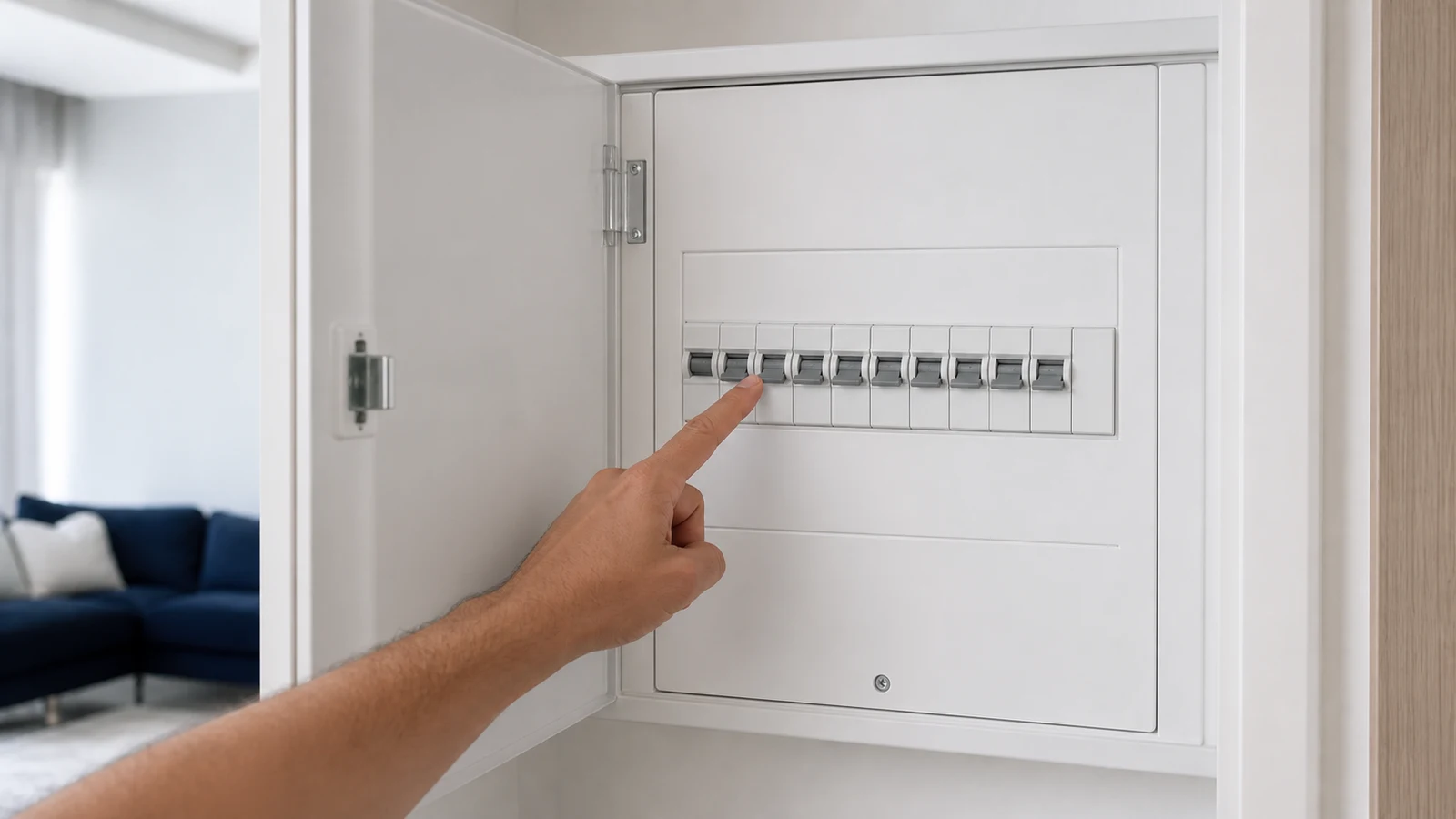
Inspect the switch without touching it
Look for cracks, looseness, scorching, corrosion, moisture or deformation. Listen for buzzing and note any electrical smell without leaning close. Keep a warm, damaged, wet or abnormal switch unused and contact building maintenance or a qualified electrician.
-
Step 02
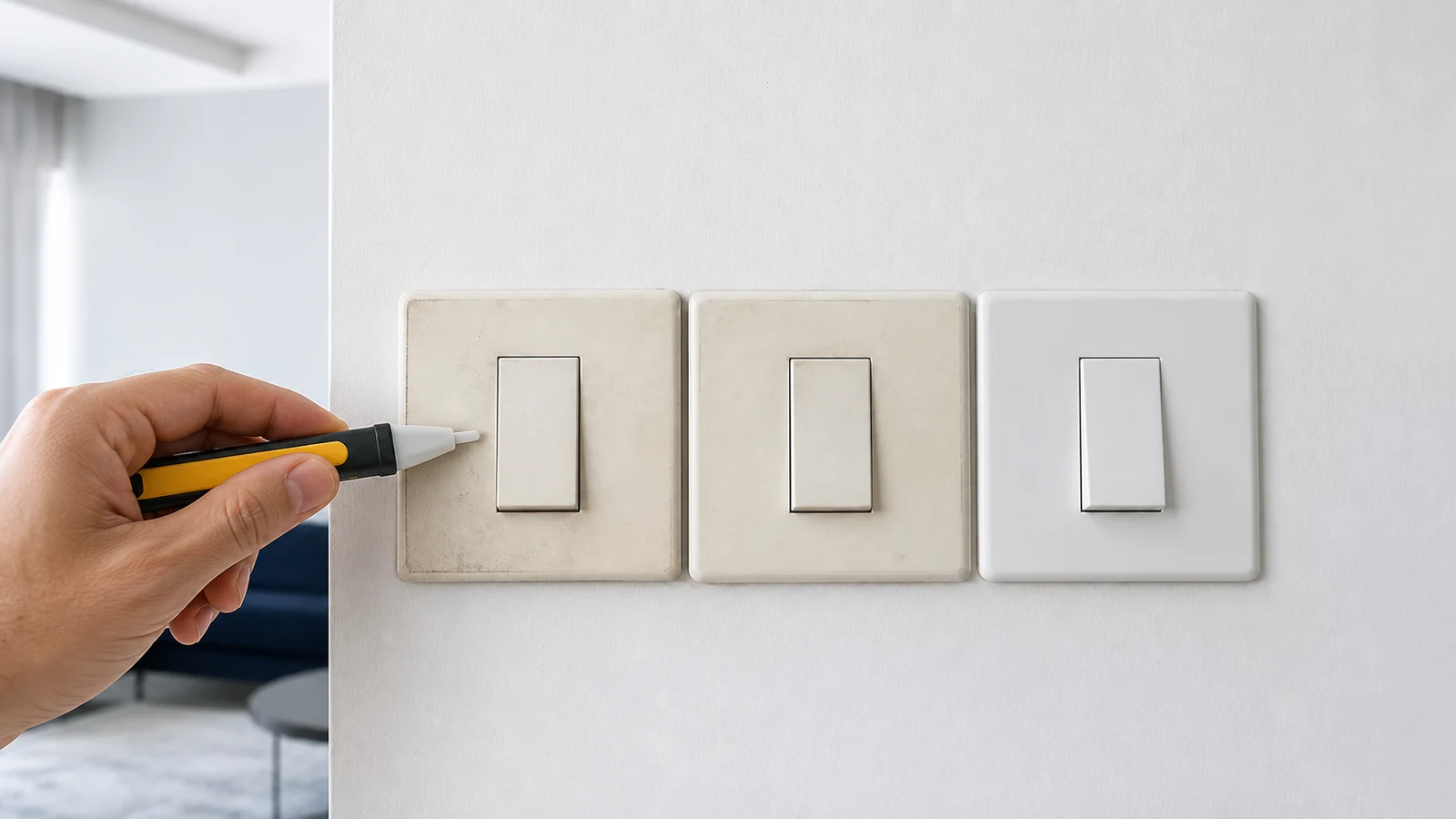
Confirm the maker's surface-care method
Check the device's care instructions. Continue only if they permit external wiping with a soft damp cloth. If the material or cleaner is unknown, use a dry microfibre cloth only; exclude alcohol, bleach, solvents and abrasives.
-
Step 03
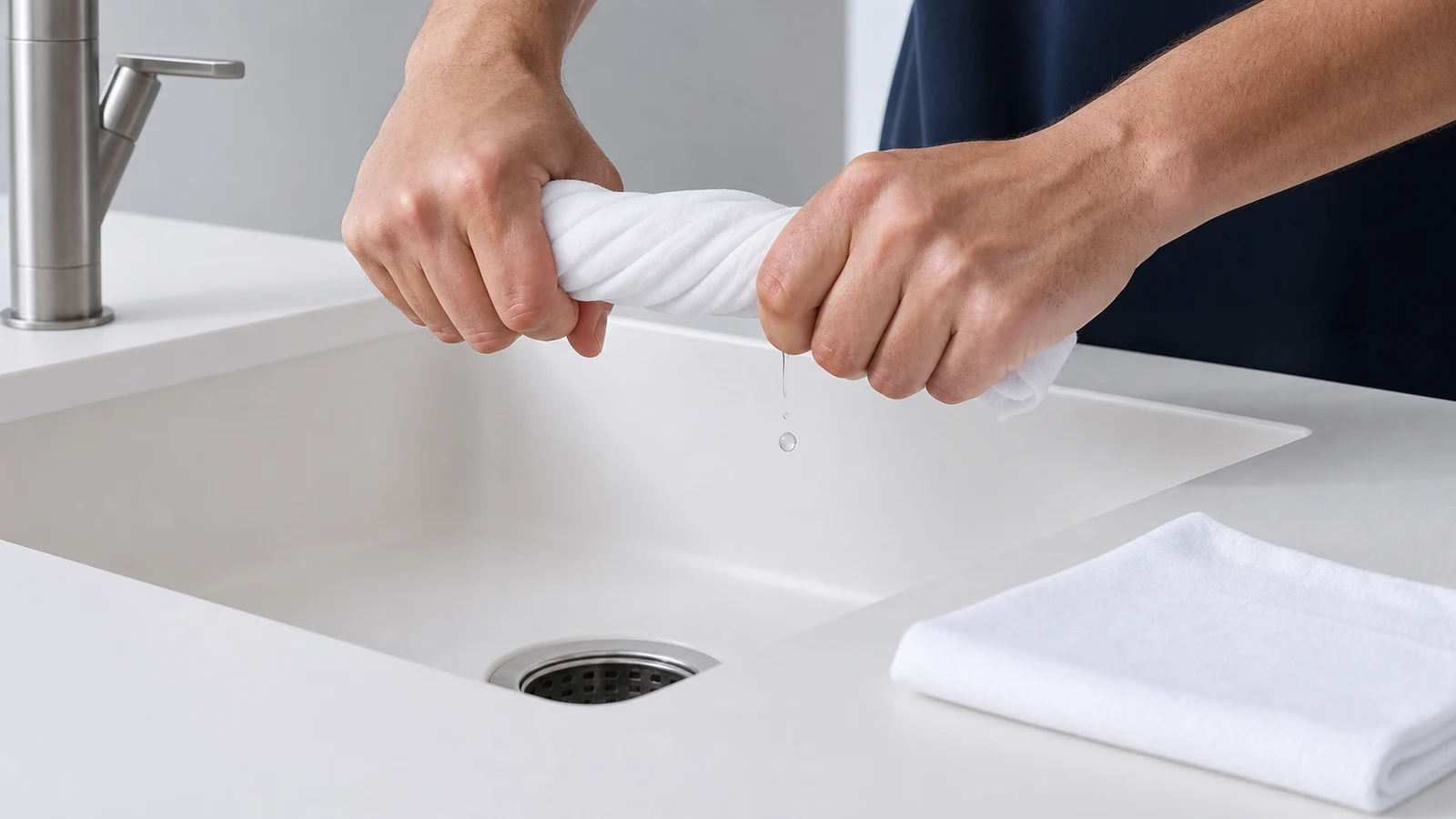
Prepare your cleaning cloth
Turn the light off. Dilute detergent as labelled, dampen a soft cloth and wring it almost dry. Keep a dry cloth ready. Never bring an open cup or spray bottle to the switch.
-
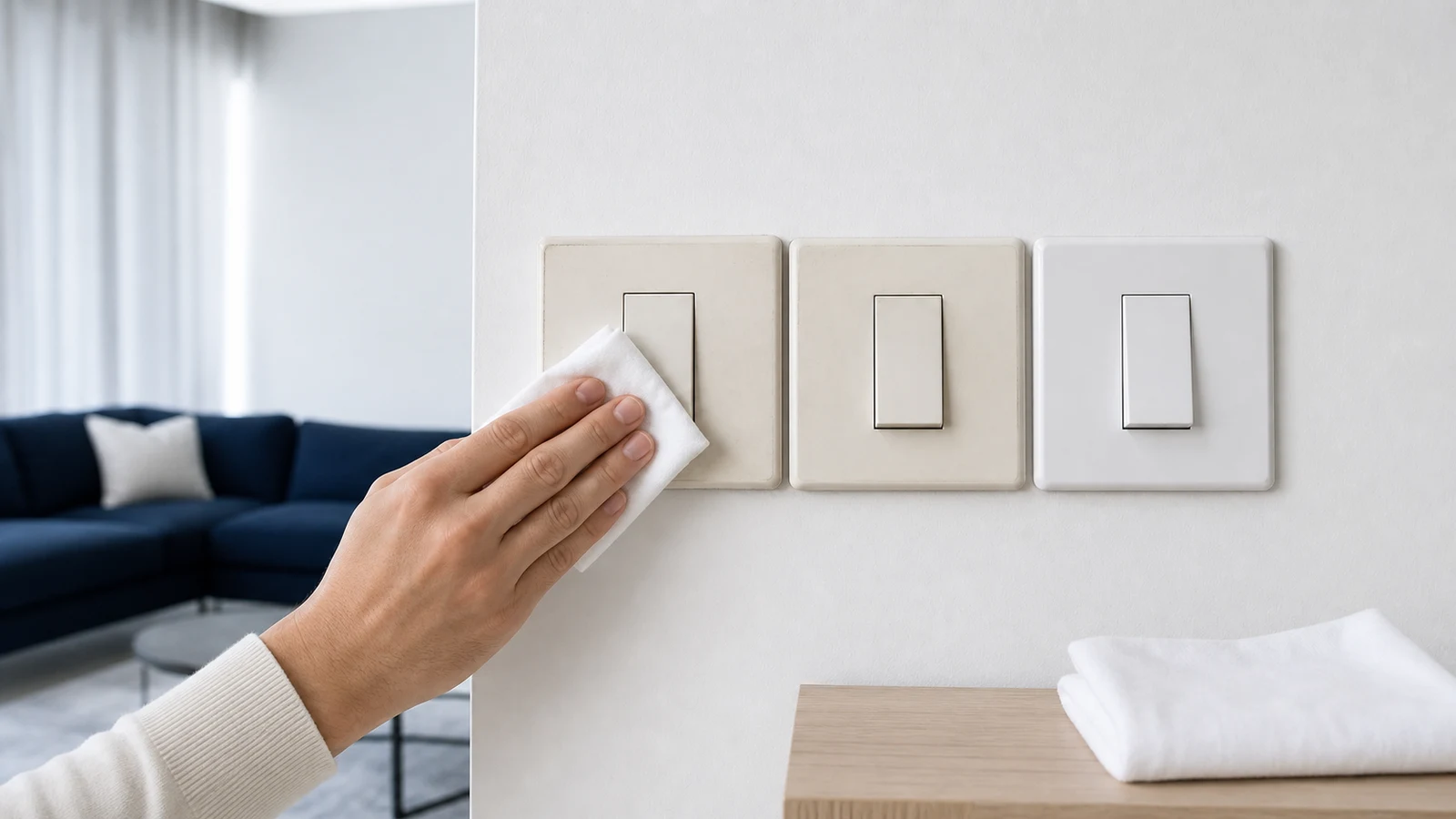
Step 04
Wipe the faceplate thoroughly
Make one light pass over the solid external face. Keep away from the toggle gap, plate edges and wall opening; never enter seams or scrub. Stop if the plate moves, moisture reaches a gap or the finish changes.
-
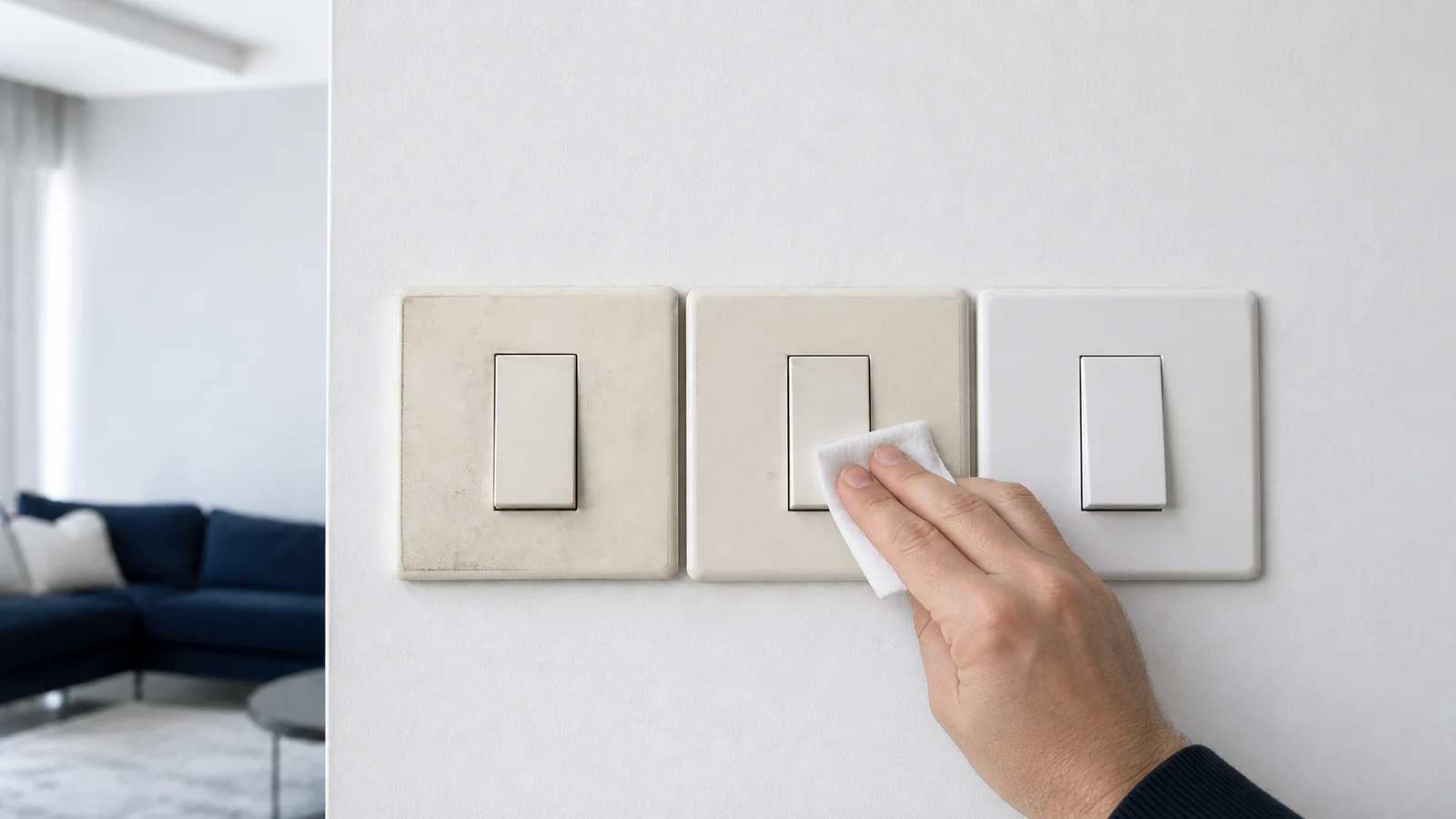
Step 05
Dry the external face immediately
Dry the external face completely without entering seams. Leave it alone until the wall and face are visibly dry. If moisture may have entered a gap, keep the switch unused and request an electrician's inspection.
-
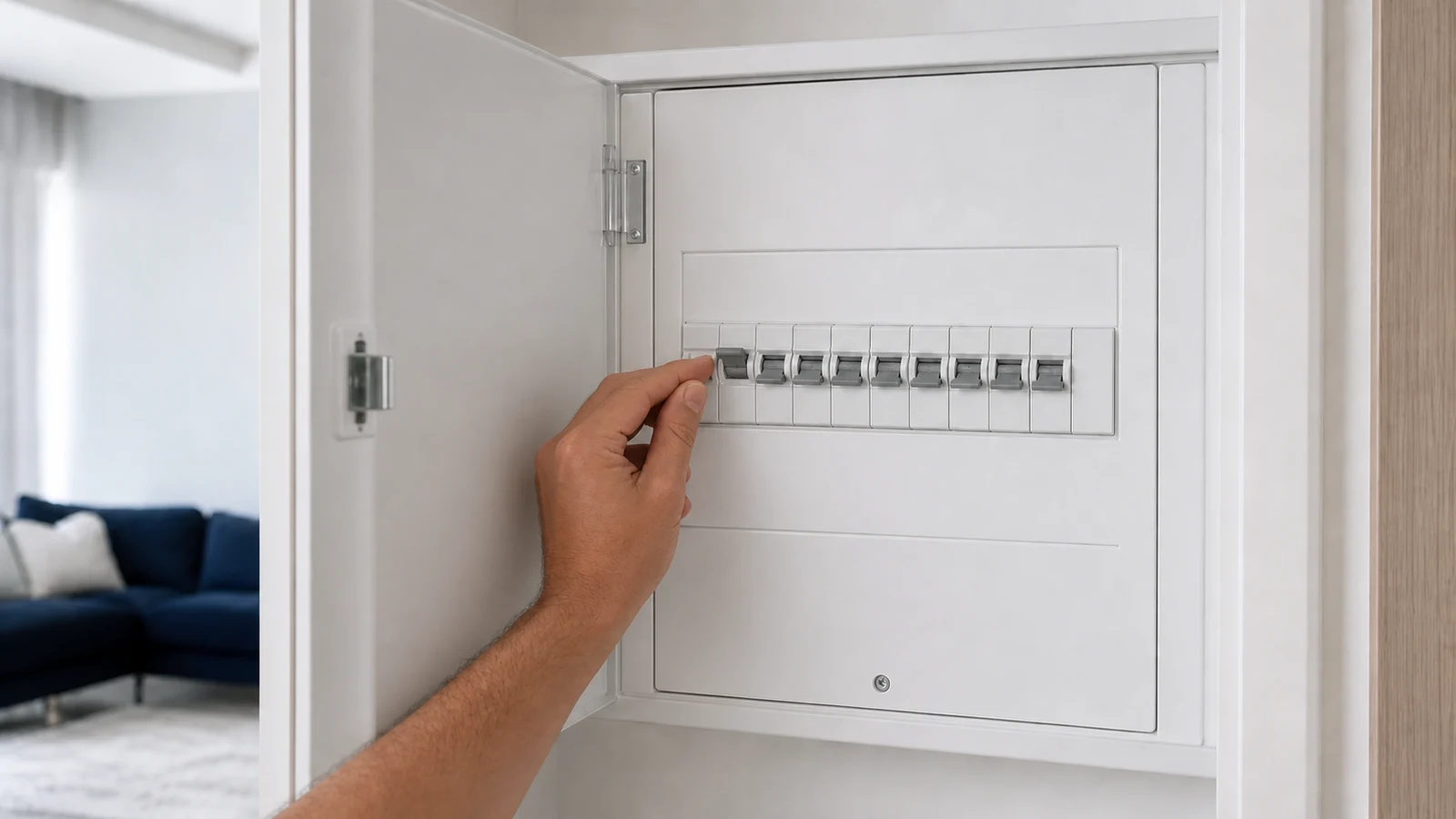
Step 06
Treat remaining yellowing as ageing, not dirt
Check the dry face in normal light. If clean but still yellow, stop: ageing can permanently change plastic. Do not bleach, polish or remove the plate. Ask the property manager or a qualified electrician about replacement.
Quick answers
Frequently asked questions.
Is it safe to clean light switches with a damp cloth?
Manufacturer guidance commonly permits a soft cloth that is damp, not wet, on an intact external face. Turn the light off, keep the cloth away from gaps and dry the surface immediately. Never spray, remove a plate or clean any switch that is warm, loose, damaged, wet or abnormal.
Why do light switches turn yellow?
Plastic can yellow through UV exposure, heat or ageing. Gentle external cleaning removes grime but does not reverse a chemical colour change. Never try bleach, peroxide or solvent whitening. Scorching, deformation, warmth or an electrical smell is not cosmetic ageing and needs a qualified electrician.
Can you replace just the switch cover plate?
Do not assume a cover is user-removable. Designs differ and removing the wrong part can expose live components or damage certification. Ask the property manager or a qualified electrician to identify the device and fit the manufacturer's compatible replacement. Keep a damaged or heat-marked switch unused until inspected.
Sources and review notes
- Clipsal by Schneider Electric: Cleaning Care for Switches and Power Points - Recommends a damp, not wet cloth with detergent solution and warns against chemical sprays entering gaps or damaging plastic.
- Clipsal by Schneider Electric: Enhance Your Home with Clipsal Iconic - Confirms wipeable finishes and directs old or damaged electrical devices to an electrician.